Three moments, and you are in one of them
- He orders
On your site, not a marketplace
Your menu, your name, your prices. He pays there and then, and picks collection or delivery himself.
- OrderBoard routes it
Ticket to the kitchen, money to you
The order lands on the pass with the items, the timings and the address attached. Payment is captured. No 30% comes off it.
- Food goes out
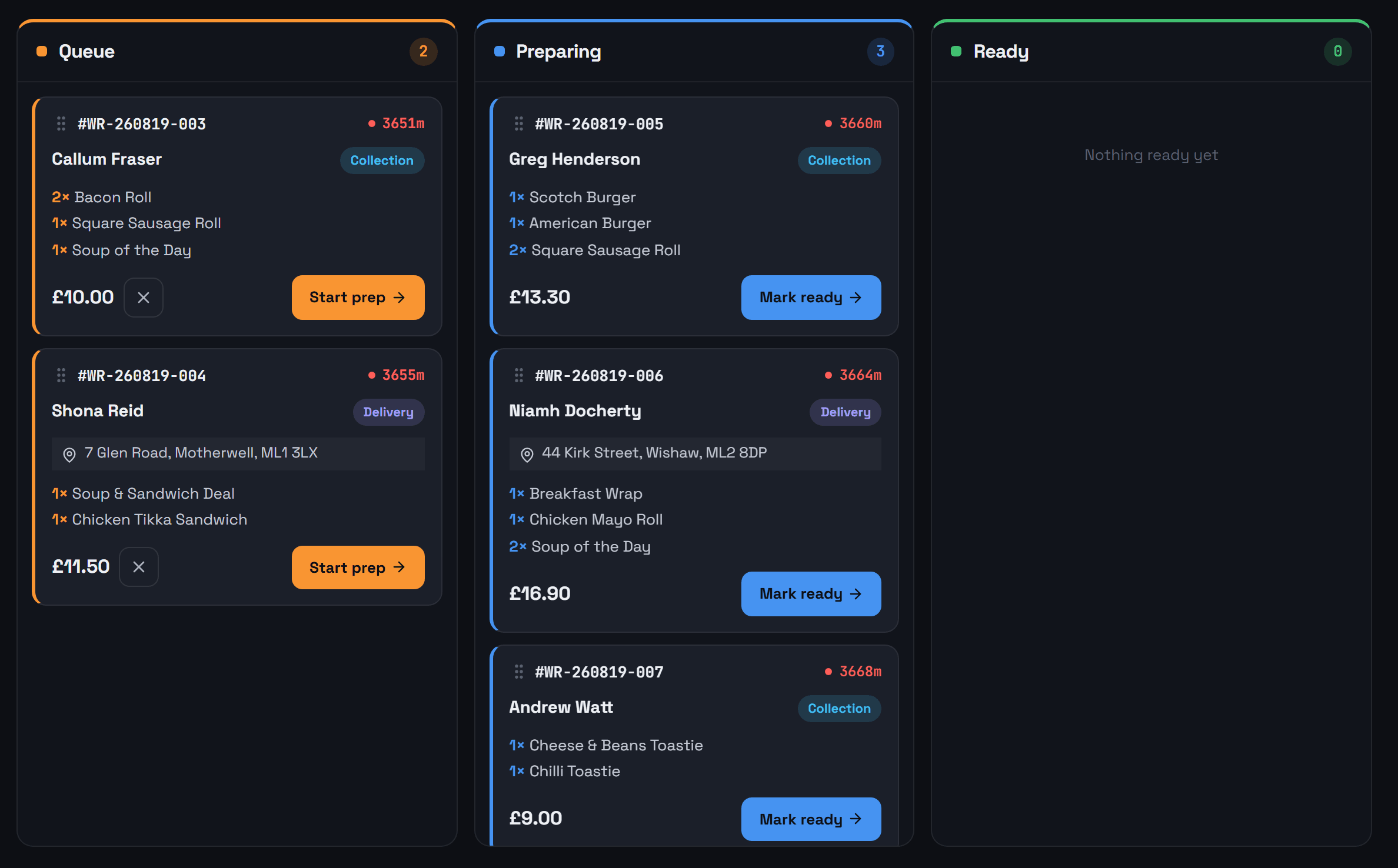
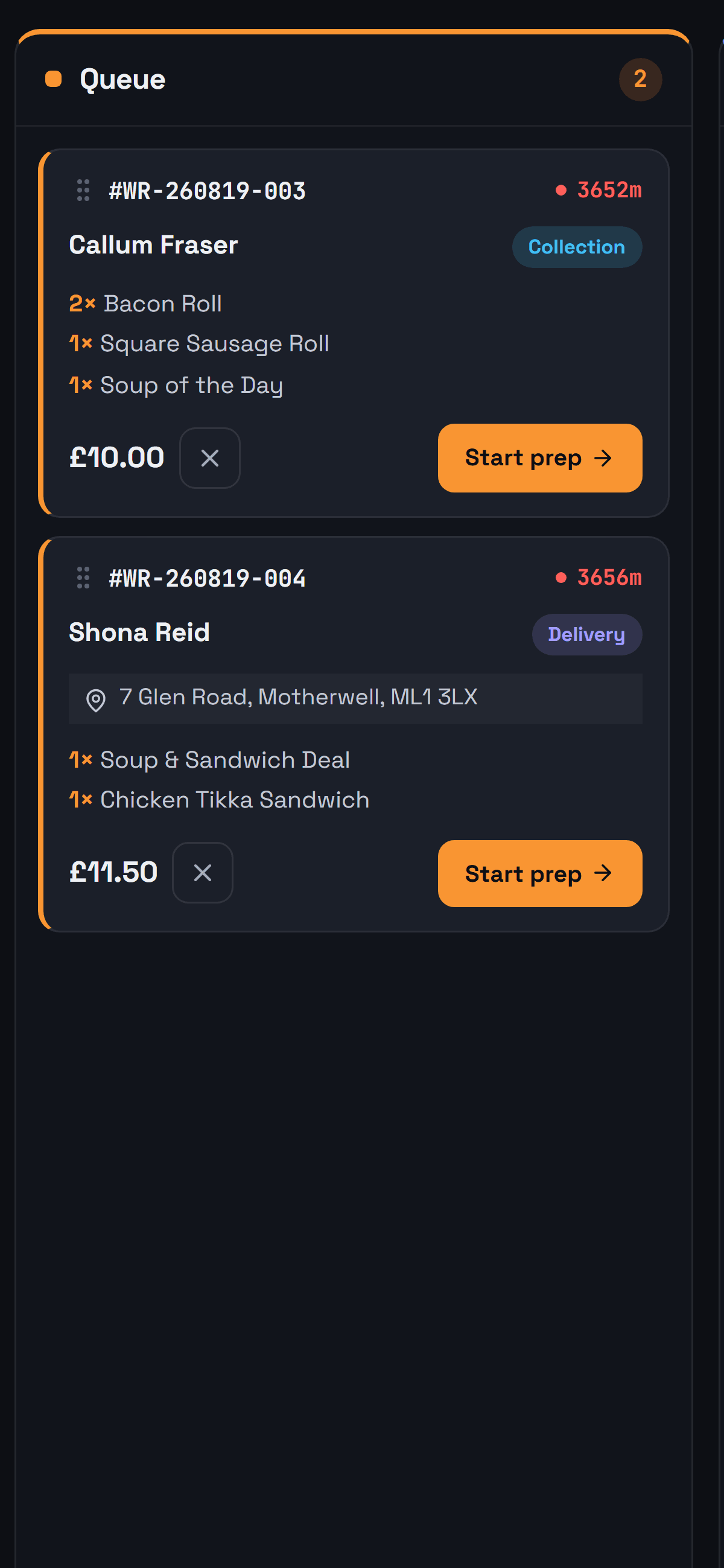
Queue, Preparing, Ready — one tap each
The board shows what is on and how long it has been on. Cook, bag, done. Nothing gets lost behind a printer.
This is the actual product.
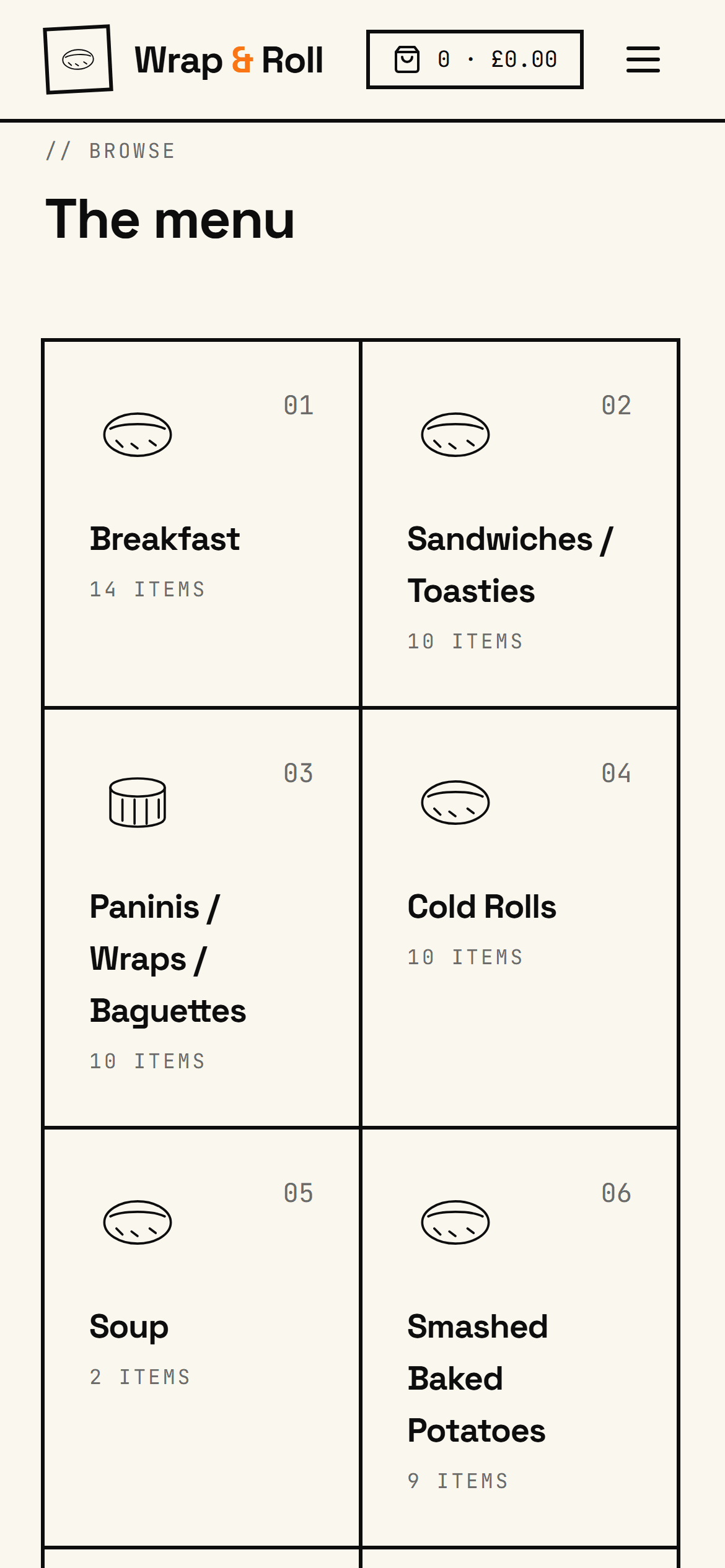
Not a mockup. Every screen below is the live demo, running right now — and you can click through the whole thing yourself, including the owner's side.
Open the demo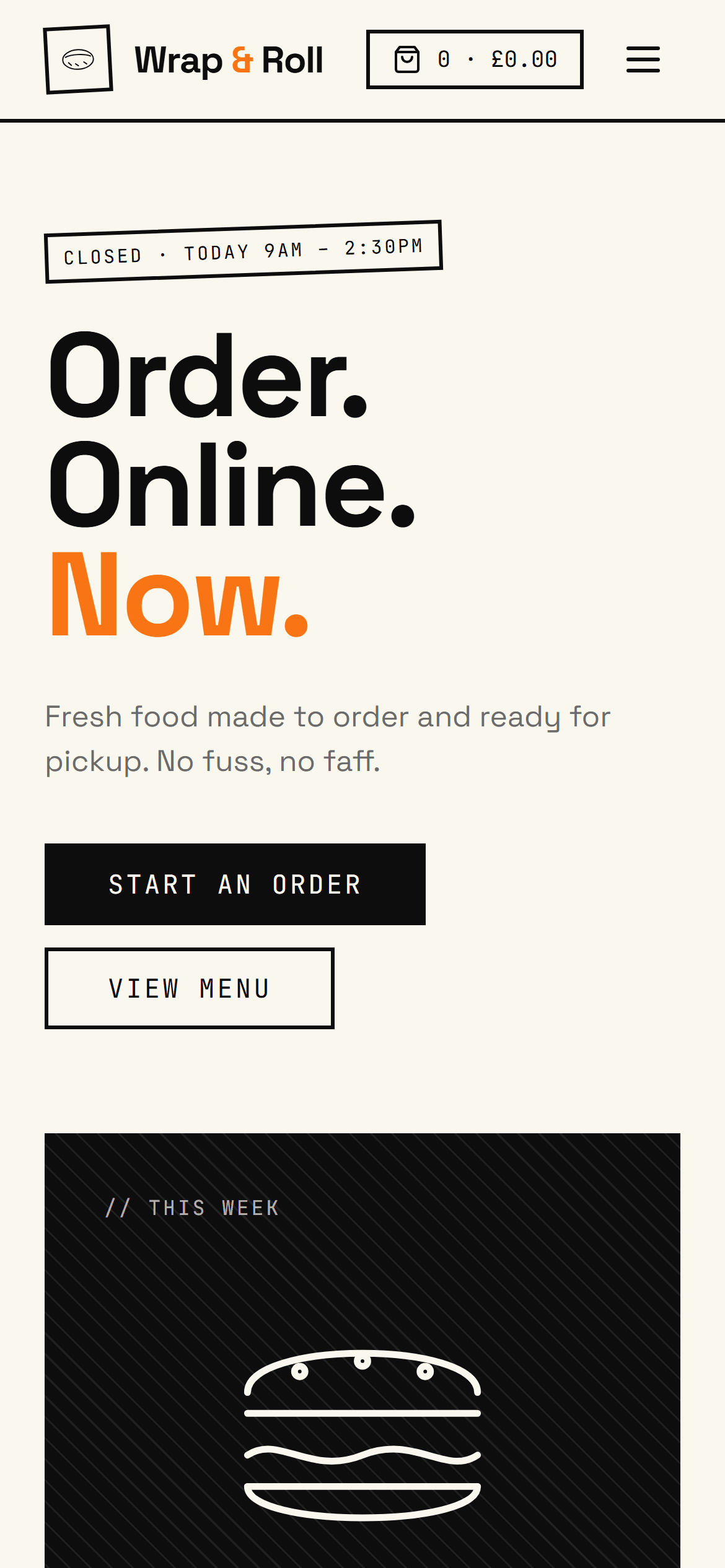
What you actually get
Every order at 100%
Your own ordering site on its own web address. A £22 order is £22, not £15.40 after a marketplace has taken its cut.
A pass that keeps its own time
Orders fire to the kitchen screen with live timers and the right prep order. The board tells you what is late before a customer does.
Collection and delivery, your rules
Set your delivery postcodes and your opening hours. OrderBoard works out timings and hands off to whoever is driving.
A menu you can change at the pass
Categories, modifiers and 86-ing, all editable from the admin. Sell out of something and it hides itself.
Straight from your customer to your bank.
You are not paying a software company that then pays you. There is no CustomerCloud balance sitting on your takings, and no Friday afternoon where we decide to release them.
Your money moment is the checkout. The customer pays for the order before you cook it — collection or delivery, no difference — and the whole of it is yours.
He pays on your site
The full order, taken at checkout before a pan goes on. Your shop's name is what shows up on his statement.
Your own Stripe account
Opened in your name when you sign up, with its own dashboard you log into yourself. That is where the payment lands. It never lands in a CustomerCloud balance.
Stripe's own card fee comes off here, the same way your card machine's does. Nothing comes off for us.
Your bank
Stripe pays out to the account you gave it, on the schedule you set — the same as if you had walked into Stripe on your own and never heard of us.
CustomerCloud is not on that line. We charge you £99 a month for the software, and that is the only money that ever comes to us — 0% of what you take, cancel any time.
- I haven't got a Stripe account.
- Then the button makes you one. Connect Stripe opens Stripe's own signup — your name, your address, your bank details, and the same identity check your card machine put you through when you got it. Anyone taking cards has to do it. Five or ten minutes, once, and the account belongs to you.
- What happens to my card machine?
- Nothing at all. It carries on taking payments over the counter exactly as it does today. Stripe here only handles the payment taken online. Two separate rails, and they never meet.
- Who deals with refunds and chargebacks?
- You do — you are the merchant. The refund button is in your own Stripe dashboard, and a disputed payment is yours to argue, not somebody else's to decide while they hold your money.
- When do I actually get paid?
- On whatever payout schedule your Stripe account is set to, into the bank account you gave Stripe. It is not ours to hold up or to release.
We build it for you, from what you already hand out.
Send us the menu you already have and your page comes back built — services, prices, hours, the lot. You change nothing by hand.
£99/mo is the price, and it is the only price. Cancel in one click, any month.
Your own version of this can be live today.
Card details are handled by Stripe — we never see them. Your client list is yours and you can export it whenever you like. £99/mo, 0% commission, cancel in one click. Stuck? Ask us a question — a person answers.