01 · Dashboard
Open your dashboard
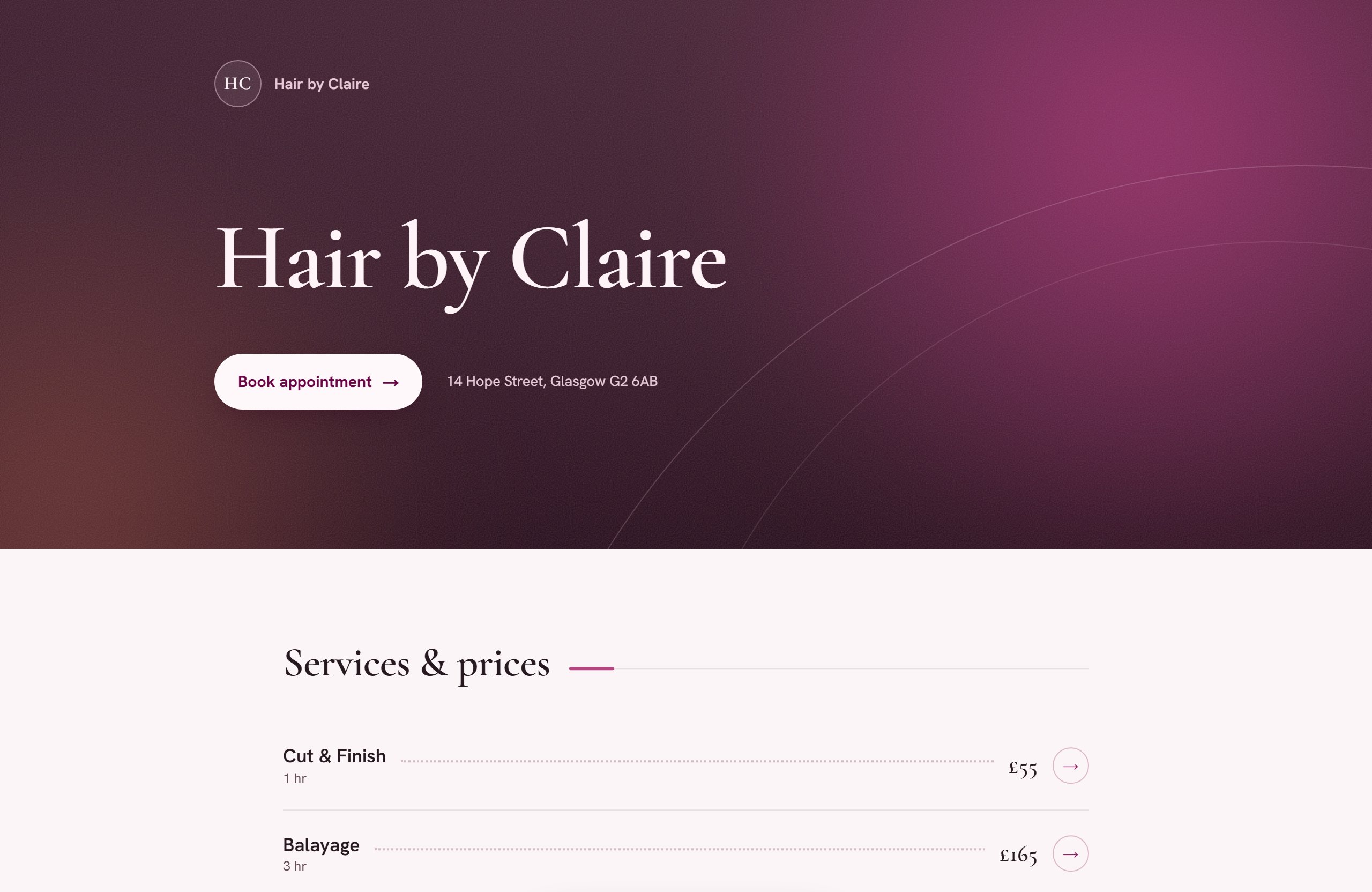
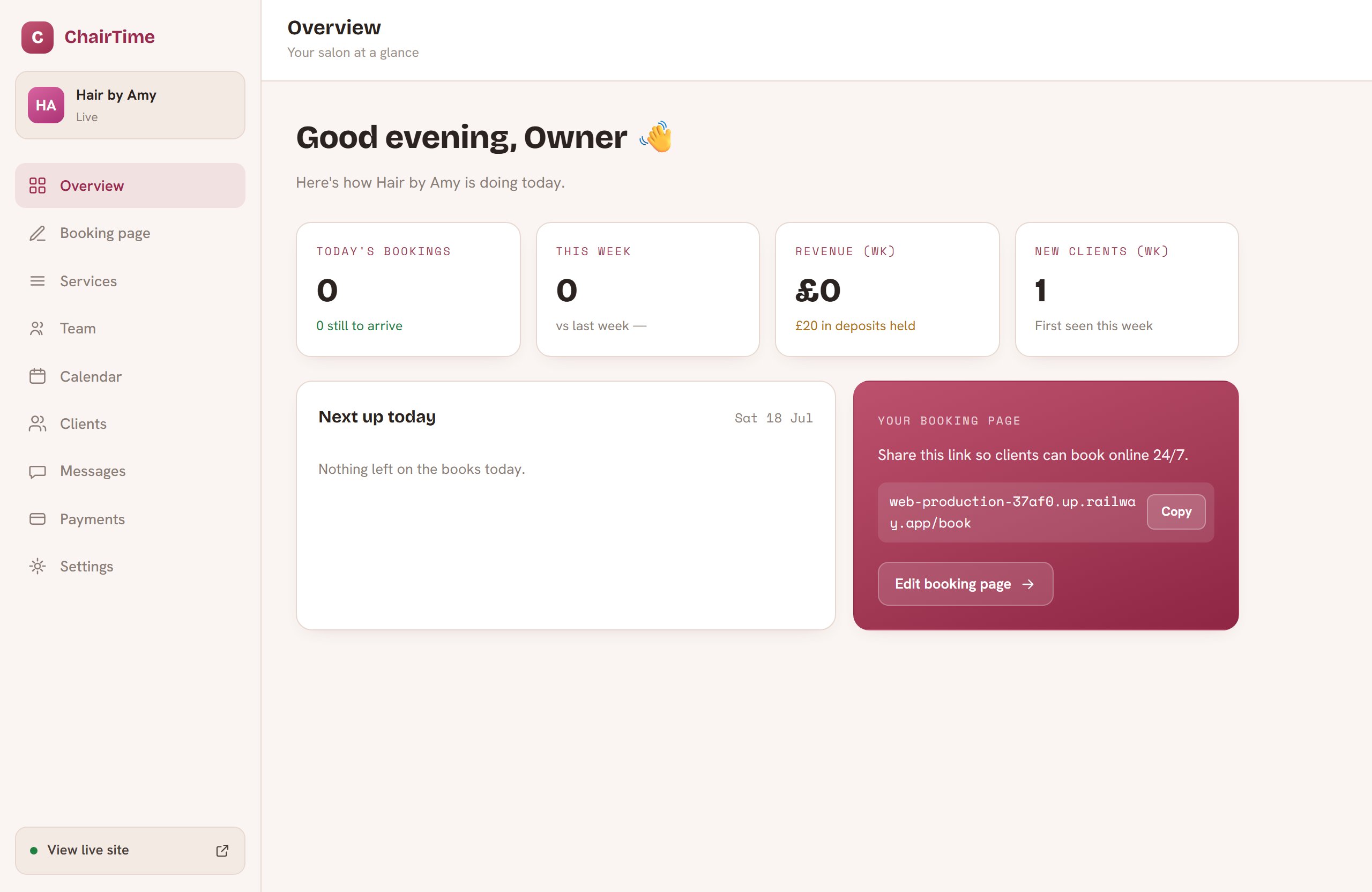
The moment you sign up, your salon or store gets its own website and admin dashboard — live on the web with your name on the door. Nothing to install, nothing to host.
From empty page to paid bookings — here's the whole journey, all five steps of it.
The moment you sign up, your salon or store gets its own website and admin dashboard — live on the web with your name on the door. Nothing to install, nothing to host.
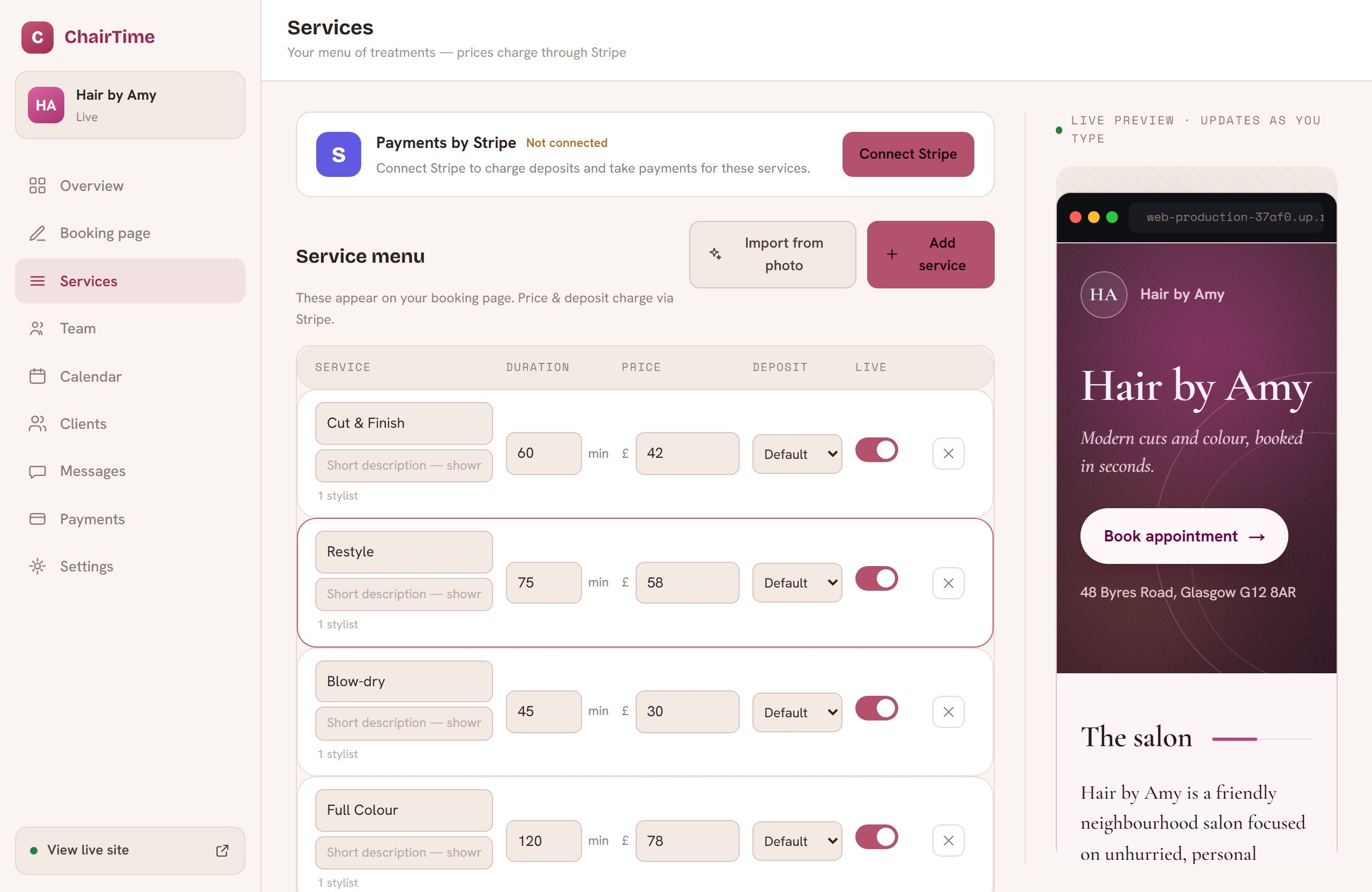
Type in your services and prices, or snap a photo of the menu you already have and let the importer do the typing. Every item lands priced, timed and ready to sell.
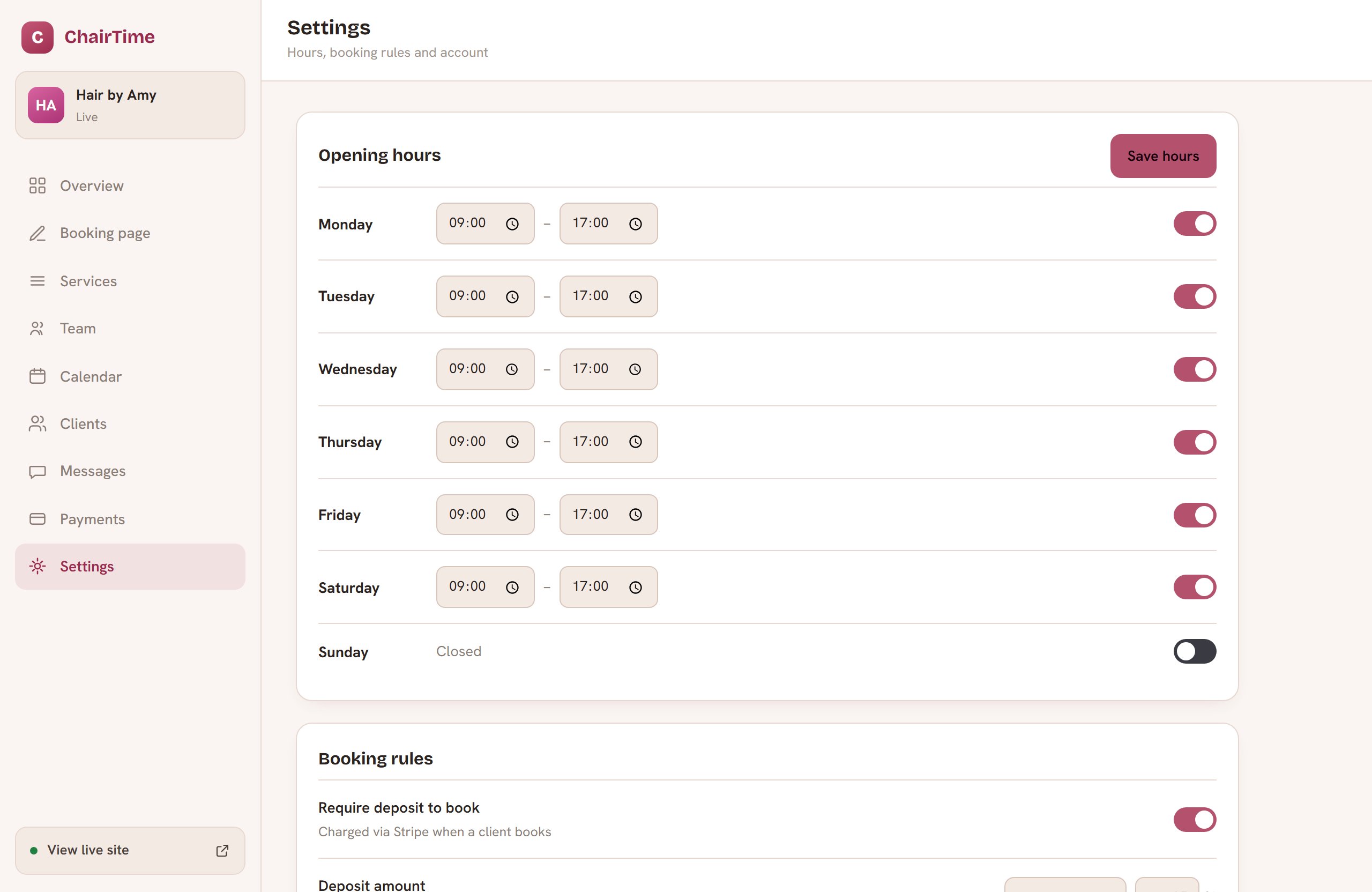
One click links a Stripe account in your name. Deposits are charged up front — so no-shows stop costing you money — and payouts go straight to your bank.
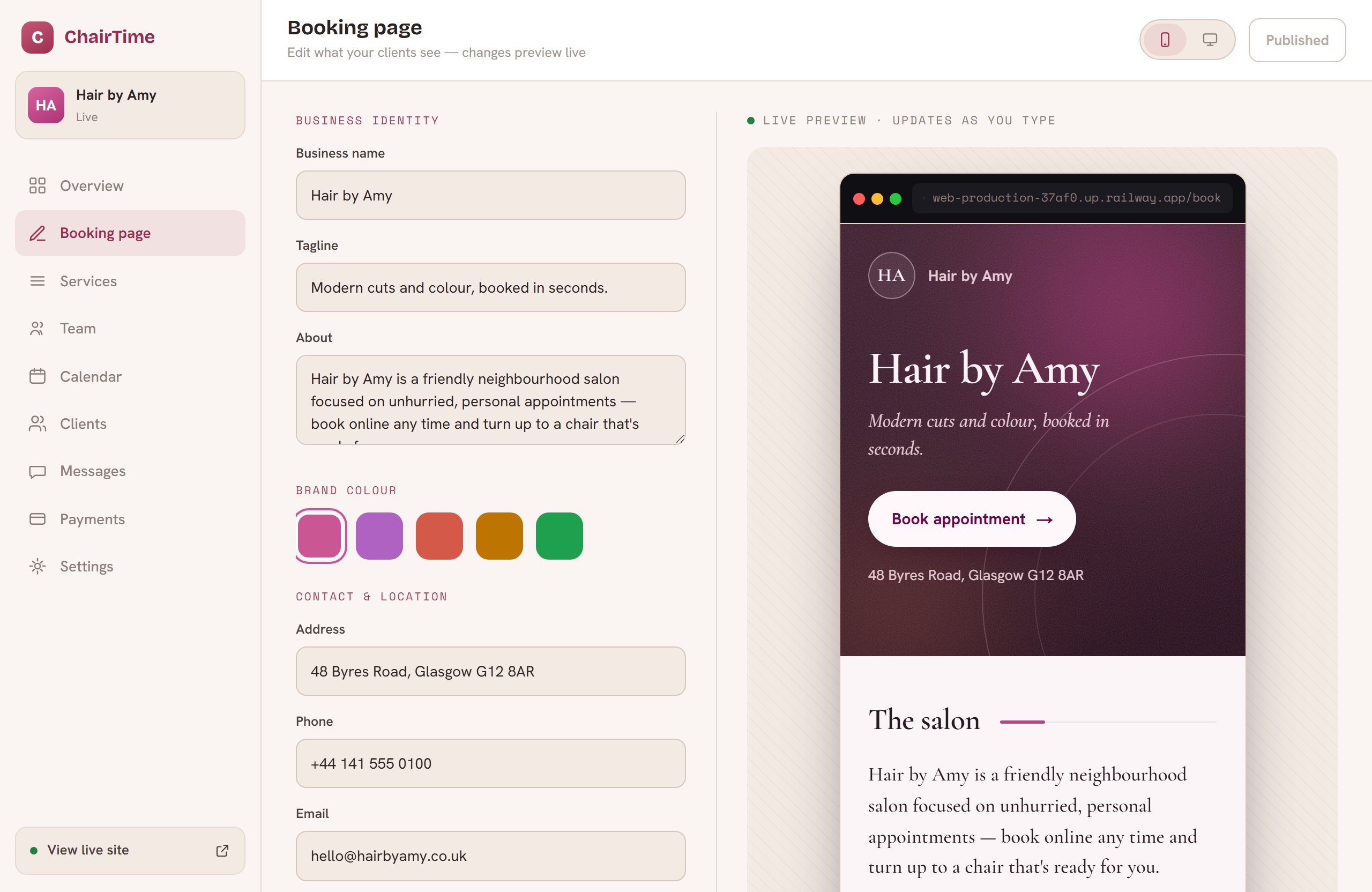
Pick your colour, write your story, choose what shows. Your whole public page re-tints itself around your brand — no designer, no templates that look like templates.
Customers book and pay from their phone. You watch it land in your diary or on the kitchen board in real time. That's it — you're trading.